
Changing the Invoice's Prefix to a year
Edited
The explanation above shows how to display the year in front of your invoice number.
If you go to Booking ➞ Setting ➞ Accounting ➞ Invoice Number, under "Next Invoice," you will currently see "INV."
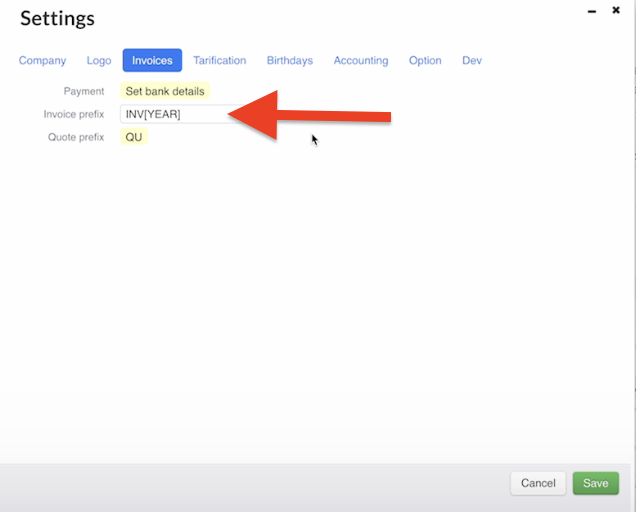
For change this, go to Invoices ➞ Invoice Prefix.
Replace "INV" with "(YEAR)" and click Save.
Now, if you return to Setting ➞ Accounting➞ Invoice Number, you will see "(YEAR)- 000001."
If you prefer to keep "INV" in front of the year, that's possible too.
Like this:
Please do not hesitate to reach out if you have any other questions or need further assistance.
Was this article helpful?
Sorry about that! Care to tell us more?