
Condensed Calendar View for Better Visibility
Edited
If you want to improve visibility on the calendar page for greater convenience, you can activate the condensed view by following these steps:
Go to My Info ➞ General ➞ Booking Display, then select “Display calendar condensed” and click Save.
This option allows you to view your daily tasks more clearly on a single page, making it easier to track and manage your schedule at a glance.
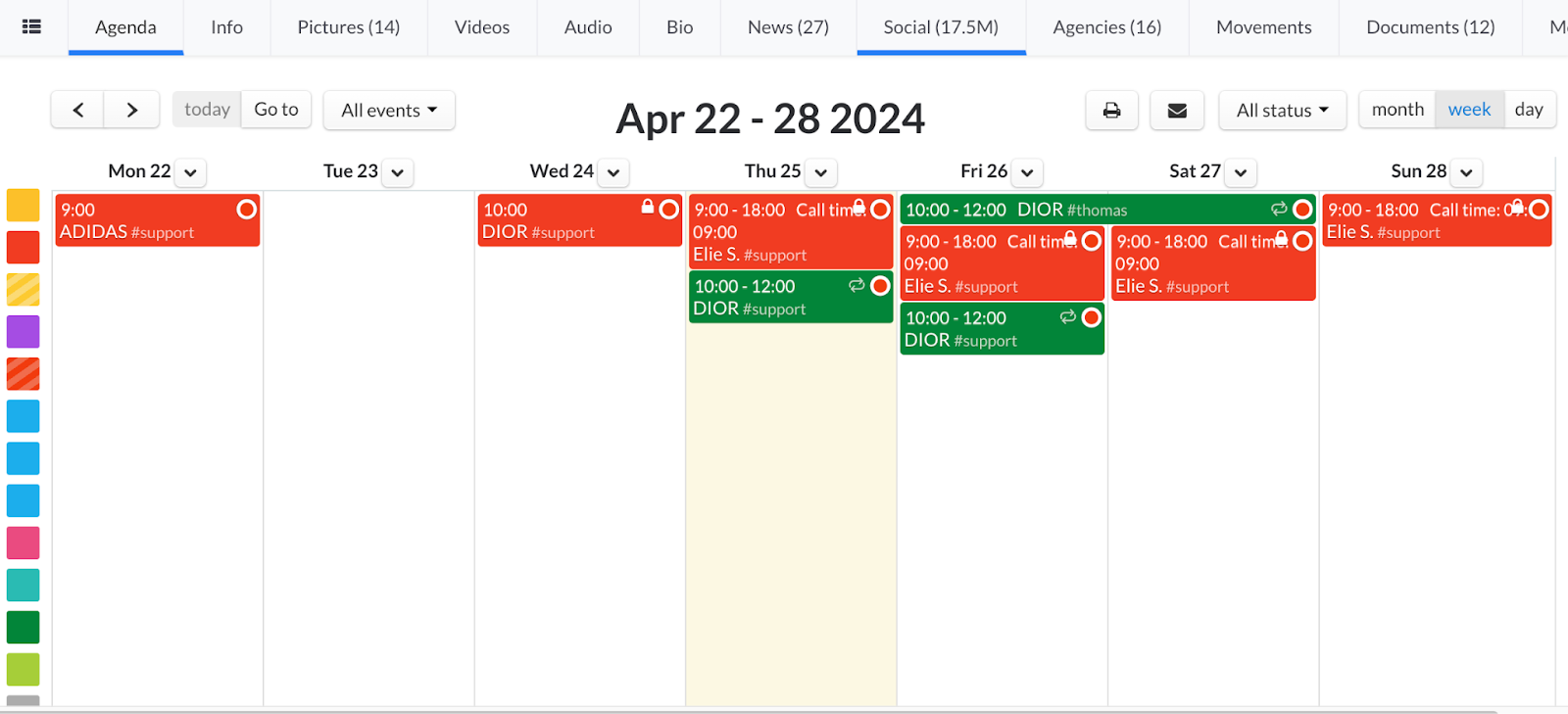
BEFORE ( calendar by default)
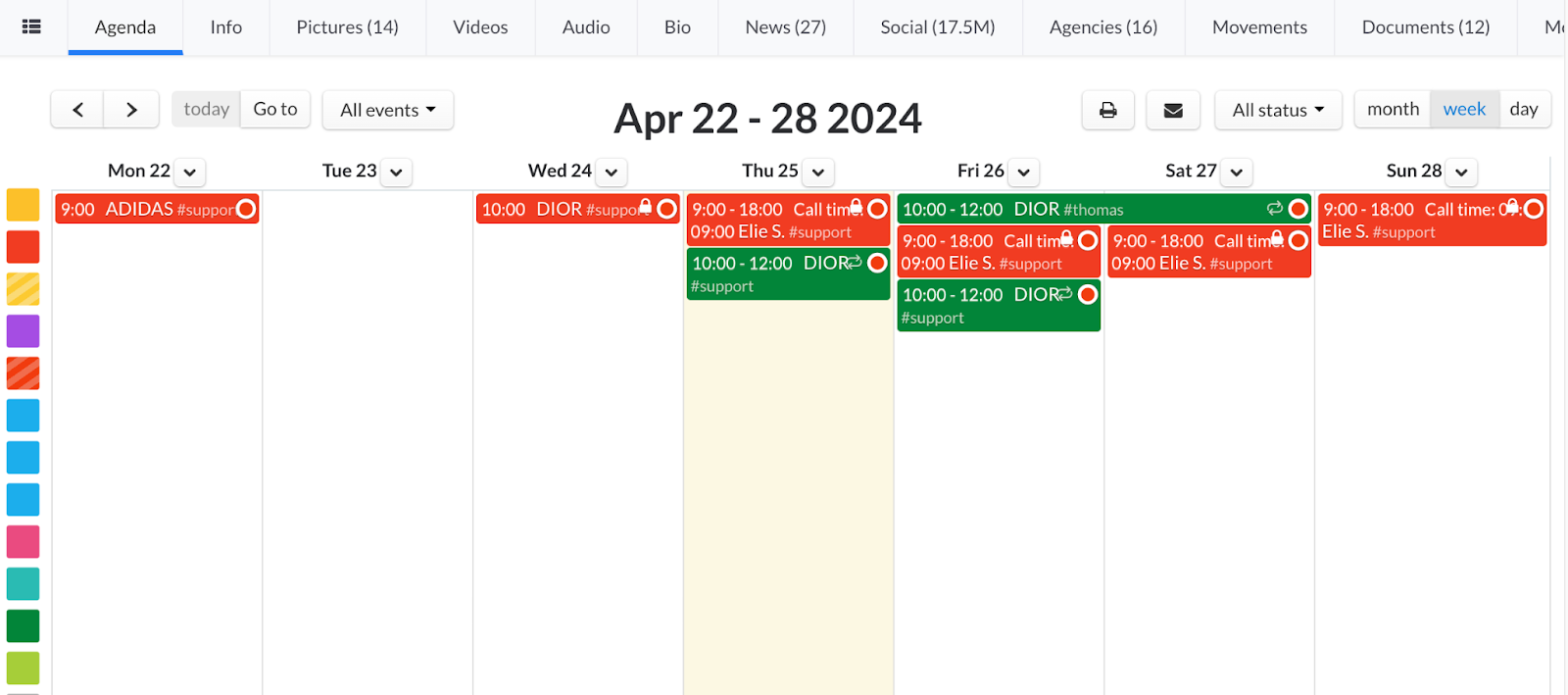
AFTER ( calendar condensed)
Was this article helpful?
Sorry about that! Care to tell us more?